
MiniMax H3 Image
Write a prompt, or add up to 16 reference images and cite them in upload order as Image 1 through Image 16.
What you can make
Up to 16 references
Reference edits keep every uploaded image, in the order you added them.
1K, 2K, and 4K
Choose an area tier. The default is 2K, and the file is a PNG.
Long prompts
Prompts can run long. Turn expansion off when the wording should stay as written.
How a request is built
No reference image runs text to image. One or more references run an edit and stay in upload order.
Prompt notes
Name each reference by its upload position, and turn expansion off when you need the prompt kept.
Image 1, Image 2, …
The first upload is Image 1 and the sixteenth is Image 16. Mention them in that order.
Expansion is optional
Leave expansion on to let the model rewrite the prompt, or switch it off to keep your words.
Other image models
Same generator, different strengths. Switch models when you need more detail, clearer text, faster drafts, or tighter layout control.
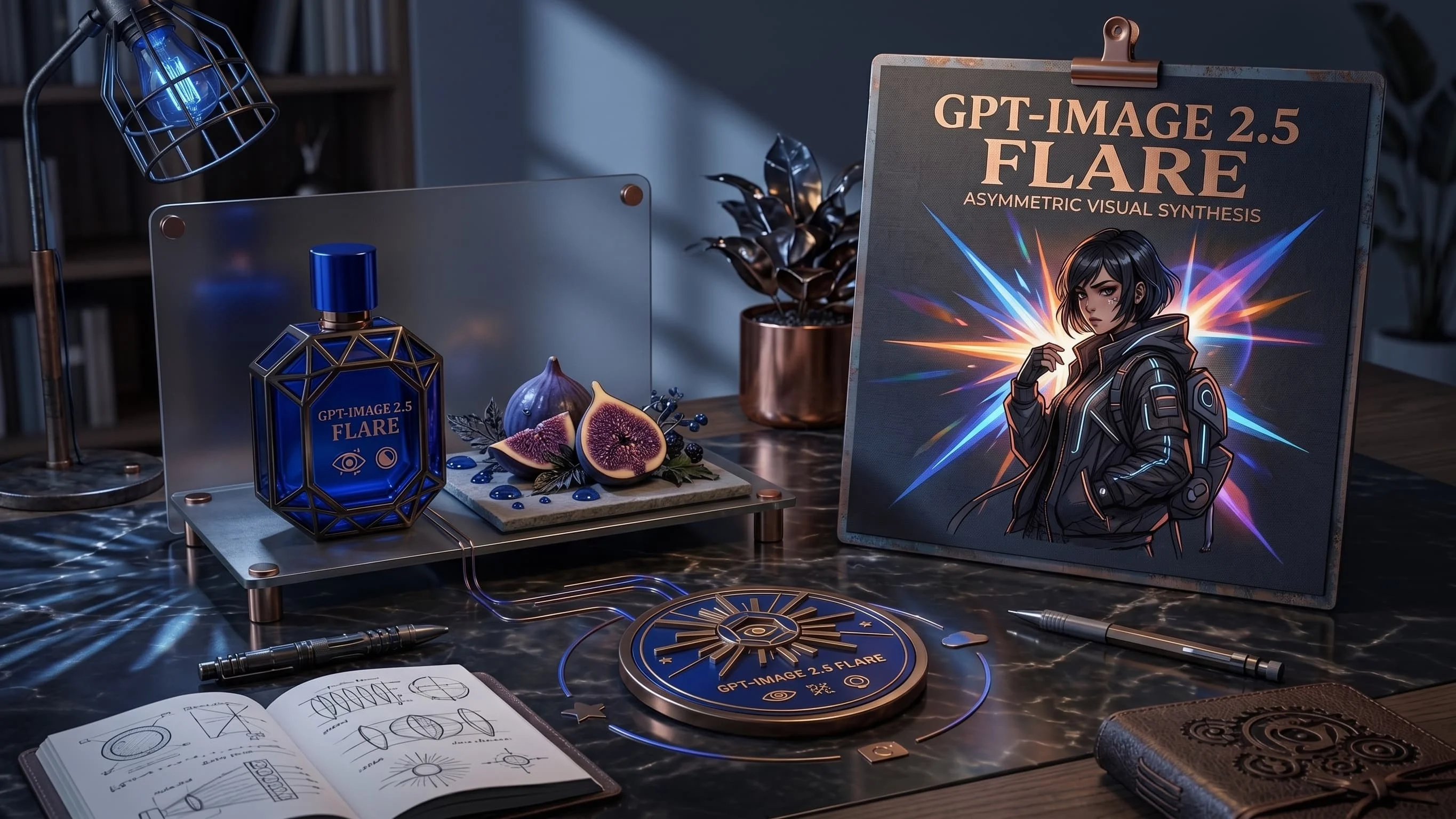
Fast GPT Image 2.6 default for iteration — from 25 credits, up to 8 refs. Escalate to Sunburst for precision.
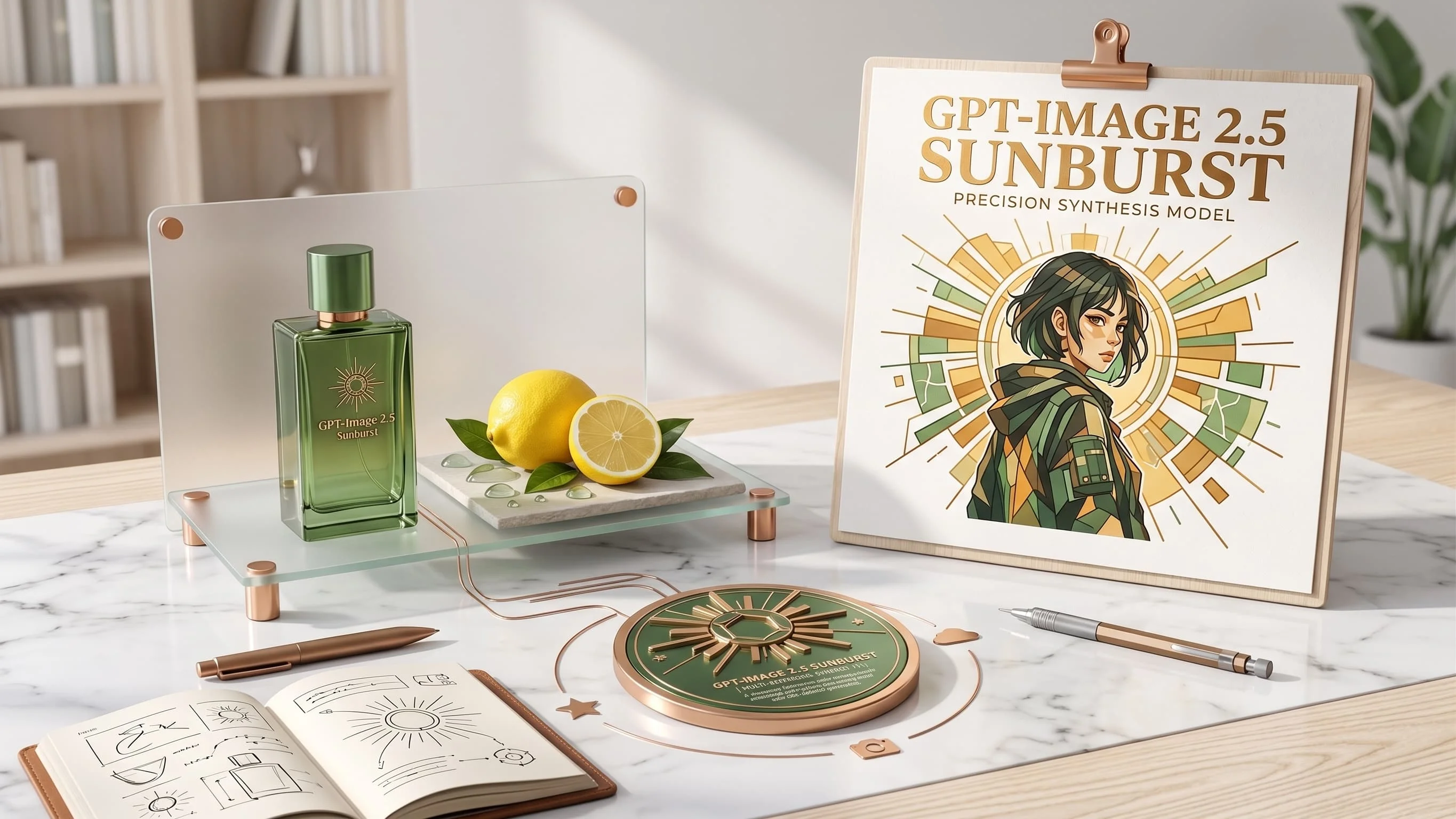
Precision GPT Image 2.6 for materials and multi-turn edits — from 25 credits, same band as Flare.
Fast GPT Image 2.5 default for iteration — from 16 credits, up to 8 refs. Escalate to Sunburst for precision.
Precision GPT Image 2.5 for materials and multi-turn edits — from 16 credits, same band as Flare.
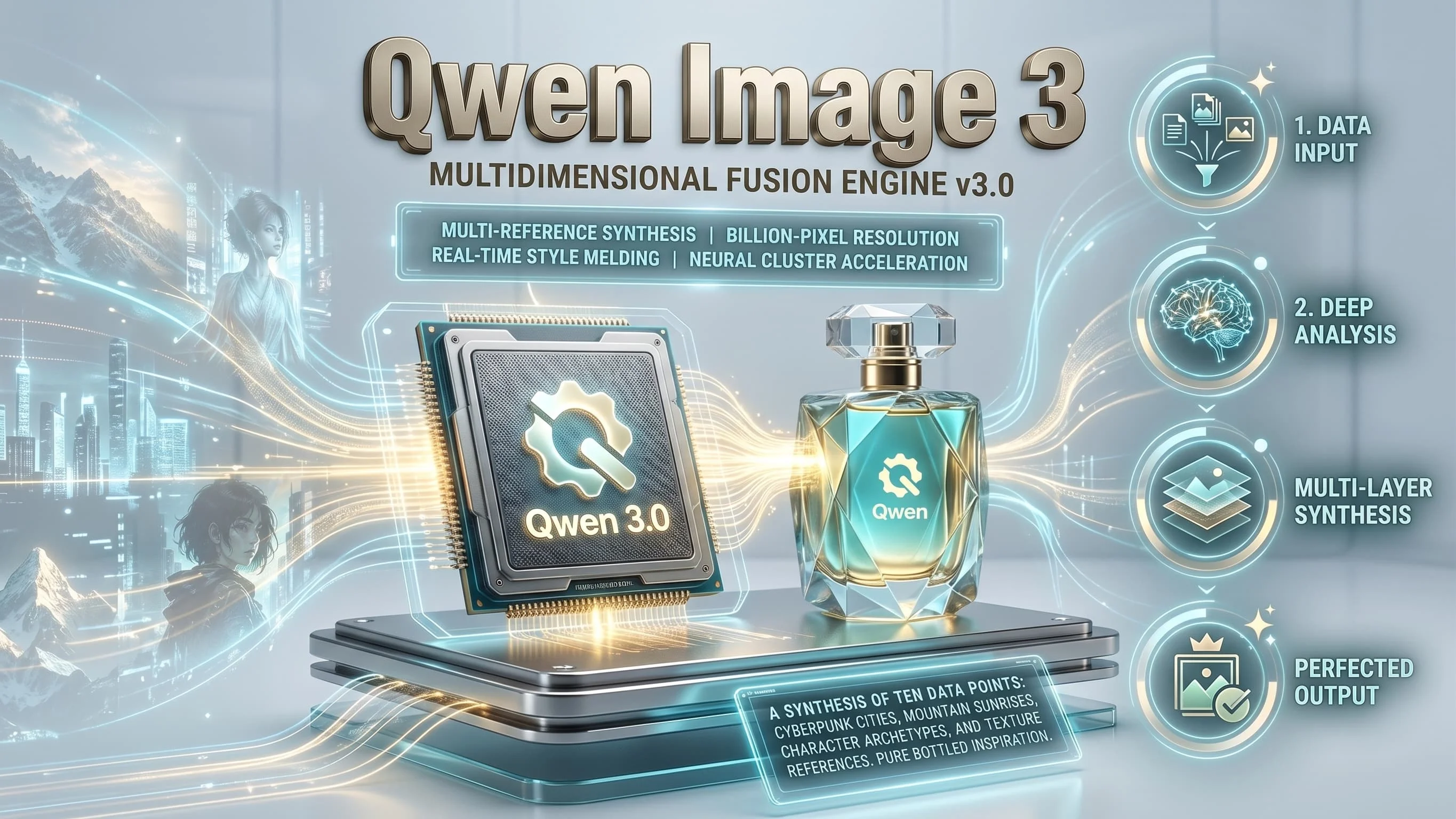
Alibaba Qwen for dense layouts, small text and multilingual typography — from 12 credits, 1K/2K.
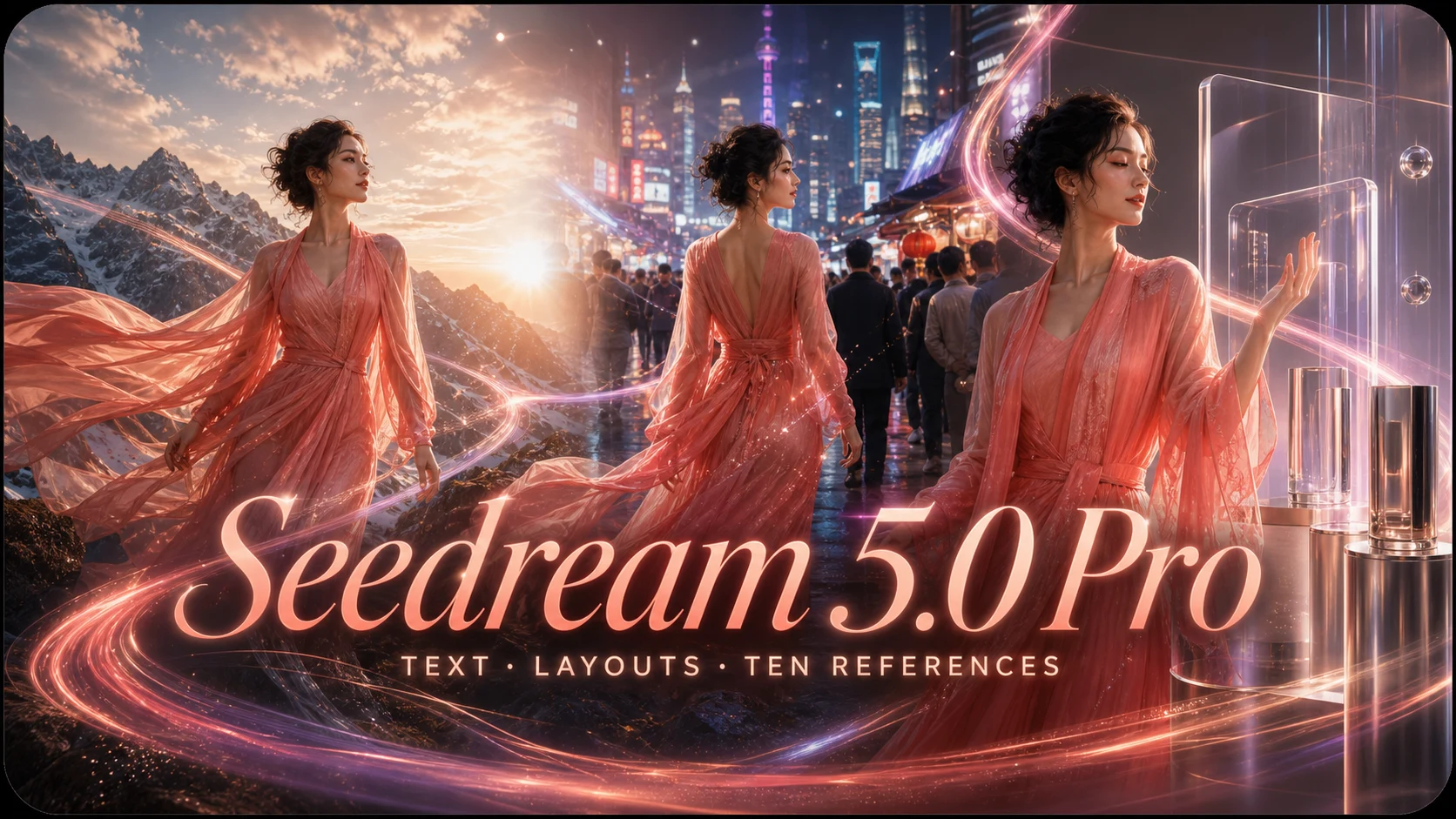
ByteDance multilingual production with up to 8 refs and 1K/1.5K/2K — from 20 credits.
Questions
Credits, references, and how text and edit requests differ.
What is MiniMax H3 Image?
It is an image model for text-to-image and reference edits. It is separate from the MiniMax H3 video model.
How many credits does it use?
1K costs 8 credits, 2K costs 12, and 4K costs 32. Each request makes one PNG.
How many reference images can I add?
From 1 to 16. They stay in upload order and can be cited as Image 1 through Image 16.
Is this the video model?
No. MiniMax H3 Image is an image model. It is separate from the MiniMax H3 video model.
Can it make a transparent background or use a mask?
No. This model does not support transparent backgrounds or masks.
Is this page from MiniMax?
No. This site is independent and is not affiliated with MiniMax.
Do signup credits cover 4K?
No. The signup grant covers 2K. 4K costs more credits.
Try MiniMax H3 Image
Start from a prompt or from your own reference images.